
StarredFMHY pick
FMHY knowledge in your toolbar
SafeGuard checks sites and links against FMHY data while you browse.
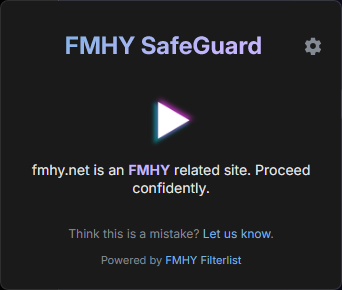




SafeGuard gives each link a status and keeps the supporting details one click away.
Mark safe and unsafe links in search results and ordinary pages.
See why a domain was flagged and open the evidence when it is available.
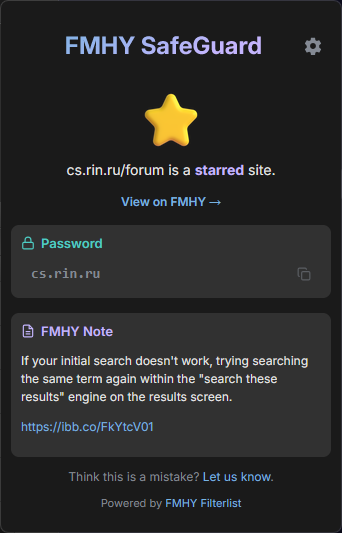
Bring wiki notes, passwords, and invite codes into the extension popup.
Change warning behavior, updates, colors, language, and theme.
Install from the official store, then let SafeGuard update its FMHY data automatically.
Browse normally. Open the popup only when you want more context.
Add SafeGuard from your browser store.
The toolbar icon follows the current site's status.
Open the popup for notes, reasons, passwords, or invite codes.
Set the warning and highlighting behavior you prefer.
Report it, check the source, or help improve the project.


